
How to Buy XEQT on Questrade: A Step-by-Step Guide
May 22, 2026

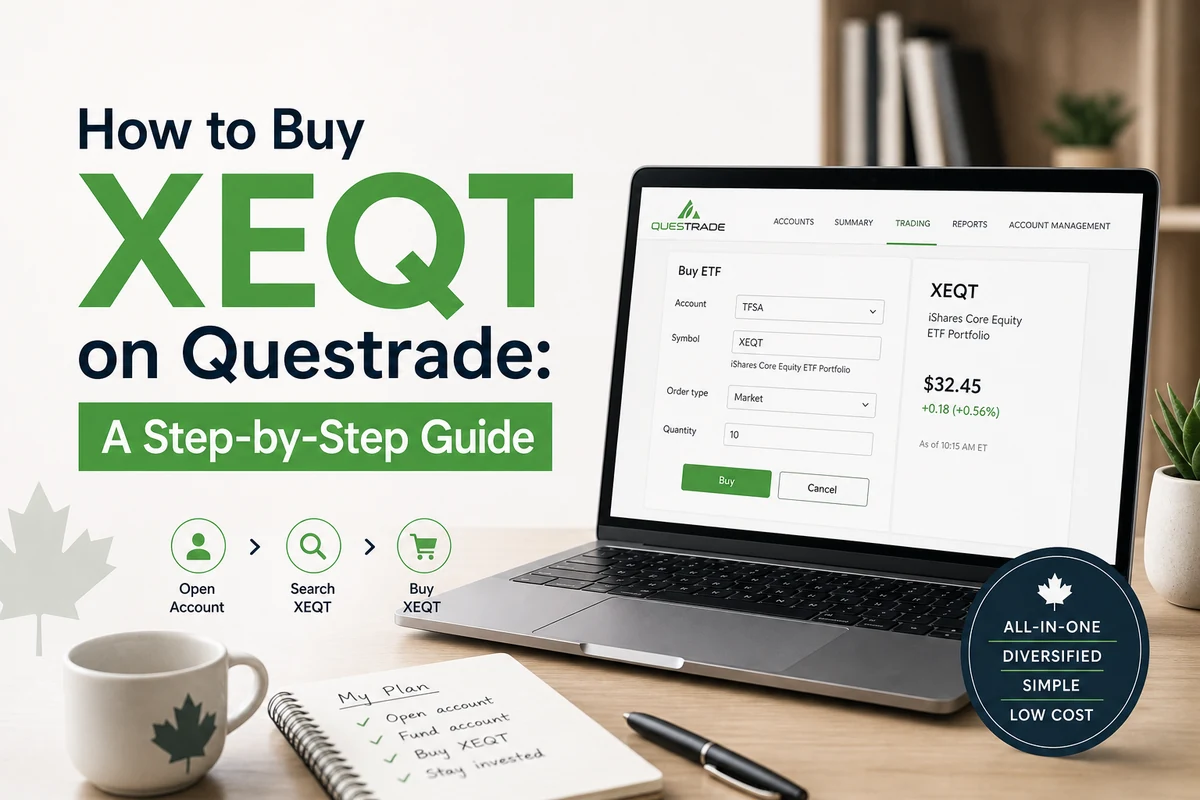
You have decided to buy XEQT. Now you just need to actually do it. This guide walks you through every step on Questrade: opening the right account, transferring money from your bank, finding the ticker, and placing the trade. The whole process takes less than an hour of active effort, spread over a couple of business days while your funds settle. You do not need any prior investing experience. You just need your SIN, a piece of government ID, and a bank account.
Why Questrade for XEQT?
Questrade is one of Canada’s largest independent discount brokerages and has been operating since 1999. It is not owned by a bank, which matters because the big banks have every incentive to sell you their own high-fee mutual funds instead of a 0.20% MER ETF. Questrade has no such conflict.
For buying XEQT specifically, Questrade works well for three reasons. First, as of 2026, ETF trades on Questrade carry no commission, only small ECN fees (electronic communication network fees) that typically amount to a few cents per trade. Second, Questrade supports TFSA, RRSP, FHSA, RESP, and non-registered accounts, so you can hold XEQT in whichever account type fits your situation. Third, there is no minimum balance to open an account, though you will need at least $1,000 in the account before you can place your first trade.
The goal is not to find the perfect brokerage. The goal is to get invested, stay invested, and not pay your bank 2% a year to do it. Questrade gets you there.
If you are earlier in your thinking and still deciding whether XEQT is the right fund for you, the complete XEQT guide covers the fund’s structure, MER, underlying holdings, and how it compares to alternatives. This article assumes you have already made the decision and just need the mechanics.
Step 1: Open Your Questrade Account
Go to Questrade’s website and click “Open an Account.” The application is entirely online and takes about 15 to 20 minutes. Before you start, have the following ready: your Social Insurance Number (SIN), a government-issued photo ID such as a driver’s licence or passport, and your employment information including your approximate annual income. Questrade accepts uploaded photos of your documents, so you do not need a scanner.
During the application, you will be asked to choose an account type. This is the most important decision you will make in this entire process, because it determines the tax treatment of every dollar you invest.
Here is how to choose. If you have TFSA contribution room available, opening a TFSA first is a reasonable default for most Canadians. Growth inside a TFSA is completely tax-free, and withdrawals do not affect government benefits. The 2026 annual TFSA contribution limit is $7,000, and if you have never contributed, your total lifetime room may be significantly higher depending on your age and residency history. Check your CRA My Account to confirm your available room before depositing.
If you are planning to buy your first home in the next several years, an FHSA (First Home Savings Account) deserves serious consideration alongside your TFSA. You get a tax deduction on contributions, tax-free growth, and tax-free withdrawals for a qualifying home purchase. The annual limit is $8,000 and the lifetime limit is $40,000. XEQT is an eligible holding inside an FHSA.
If your income is high enough that a tax deduction today is valuable, an RRSP may be the right first account. Your RRSP contribution room is 18% of your prior year earned income, up to the annual ceiling set by CRA. Check your Notice of Assessment for your exact available room.
2026 Account Limits: TFSA: $7,000/year. FHSA: $8,000/year, $40,000 lifetime. RRSP: 18% of prior year earned income, up to the annual CRA ceiling. All three accounts can hold XEQT at Questrade with zero trading commissions.
You can open multiple account types at once, but for most people starting out, opening one TFSA is the cleanest starting point. You can always open additional accounts later. Questrade will typically approve your application within one business day.
Step 2: Fund Your Account
Once your account is approved, you need to link your bank account and transfer funds. Questrade uses electronic funds transfer (EFT), which means you log into Questrade, navigate to the “Funding” section, and enter your bank’s institution number, transit number, and account number from the bottom of a cheque or from your online banking portal. The first transfer from a new bank account can take three to five business days to clear. Subsequent transfers from the same account typically settle in one to two business days.
You can also set up Questrade as a payee in your online banking and send money as a bill payment, which some people find more intuitive. Either method works. The key detail: you need a minimum of $1,000 in your account before you can place a trade. This is not a permanent minimum balance requirement, just a threshold to make your first purchase. If you are starting with less than that, you will need to save up slightly before proceeding.
A practical note on recurring contributions: once your bank account is linked, you can set up automatic recurring transfers in Questrade, sending a fixed amount from your bank to your TFSA or RRSP each month on a date you choose. This is one of the most effective habits you can build as an investor, because it automates the decision and removes the temptation to time the market.
Step 3: Navigate to the Trading Screen
Log into Questrade and select the account you want to invest in from the left sidebar (for example, your TFSA). Then click “Buy/Sell” or navigate to the trading area. On the Questrade web platform, there is a search field where you enter either the ticker symbol or the name of the fund. Type XEQT and select “XEQT.TO” from the results. The “.TO” suffix confirms you are looking at the Toronto Stock Exchange listing, which is the Canadian-dollar version of the fund. This is what you want.
You will now see XEQT’s current market price. At the time this article was written, XEQT was trading in the low-to-mid $40s CAD per unit. The price will fluctuate during market hours, which run from 9:30 a.m. to 4:00 p.m. Eastern Time on business days. If you place your order outside those hours, it will queue until the market opens.
Step 4: Choose Your Order Type
This is where new investors often pause. You will see two main order types: market order and limit order. Here is the practical difference.
A market order executes immediately at whatever the current price is. It is simple, and for a liquid ETF like XEQT, the price you pay will be very close to the last quoted price. The risk is that in fast-moving markets, you might pay slightly more than you expected. For a long-term investor buying a broad-market ETF, this is rarely a meaningful concern.
A limit order lets you set the maximum price you are willing to pay. The trade only executes if the market price falls at or below your limit. This gives you price certainty but introduces the risk that your order never fills if the price moves away from your limit. If you use a limit order, setting it a few cents above the current ask price is a reasonable approach that will almost always result in an immediate fill while still protecting you from a sudden spike.
For most XEQT buyers on Questrade, a marketable limit order set a few cents above the current ask price is the right move. You get near-immediate execution with a small degree of price protection. Do not let order type overthink the decision.
Select your order type. Then enter the number of shares you want to purchase. Because XEQT does not support fractional shares on Canadian exchanges at Questrade, you need to buy in whole units. Divide your available cash by the current share price to figure out how many whole shares you can buy. For example, if you have $2,000 to invest and XEQT is trading at around $44, you could buy 45 units and leave a small cash balance in the account.
ECN Fee Reality Check: Questrade charges no commission on ETF purchases, but does apply small ECN fees of approximately $0.0035 per share for Canadian-listed ETFs. On a purchase of 45 shares, that comes to roughly $0.16. It is genuinely not worth worrying about.
Step 5: Review and Submit Your Order
Before hitting confirm, check three things: the ticker symbol (XEQT.TO), the number of shares, and the account the order is going into. A common mistake is placing the order in the wrong account, for example accidentally buying into a non-registered account instead of your TFSA. That is not a disaster, but it means the gains will be taxable, and you cannot easily undo it. Double-check the account name in the order confirmation screen.
Once you confirm, the order is placed. If it is a market or marketable limit order during trading hours, it should fill within seconds. You will see the trade appear in your holdings, and the XEQT units will show up in your portfolio. That is it. You now own a globally diversified equity portfolio holding approximately 9,000 companies across Canada, the United States, international developed markets, and emerging markets, at a management expense ratio of 0.20% per year.
What Happens After You Buy: DRIP, Distributions, and Doing Nothing
XEQT pays quarterly distributions, which represent income from the dividends paid by the companies it holds. By default, Questrade will deposit these as cash into your account. If you want those distributions reinvested automatically into more XEQT units, you can enroll in Questrade’s Dividend Reinvestment Plan (DRIP). Contact Questrade’s support or look in the account settings to enable it. When activated, each quarterly distribution is used to purchase additional whole units of XEQT automatically, at no trading cost to you.
DRIP is worth enabling if you are in the accumulation phase and do not need the income. It keeps your money working without requiring you to log in and place a new order every quarter. The compounding effect over a 20 to 30-year horizon is meaningful, and it removes one more decision from your plate.
Beyond that, the strategy for owning XEQT is straightforward: contribute regularly and leave it alone. XEQT automatically rebalances its internal allocations between Canadian, US, international, and emerging market equities. You do not need to rebalance manually. You do not need to rotate sectors. You do not need to respond to headlines. Your job is to contribute on a set schedule and stay invested.
The hardest part of owning XEQT is not buying it. It is doing nothing during the inevitable market corrections. That is the entire job of the long-term investor: buy regularly, ignore noise, do not sell.
If you are thinking about the longer-term question of how much XEQT you actually need to retire comfortably, that is a separate conversation worth having. A good starting point is the XEQT retirement number guide, which walks through the math for different income levels and timelines.
Questrade vs. Wealthsimple: Which Should You Use?
The honest answer is that for most Canadians buying XEQT, either platform works well. Wealthsimple is slightly simpler to use and supports fractional shares of Canadian stocks, which can matter if you have a very small account and want to deploy every dollar. Questrade has more sophisticated order types, supports both CAD and USD holdings in the same registered account, and has a longer track record as a dedicated brokerage.
The most meaningful difference for XEQT buyers is this: Questrade supports whole-unit DRIP automatically, while Wealthsimple’s DRIP handling for Canadian ETFs is more limited. If automatic reinvestment of distributions matters to you, that is a point in Questrade’s favour.
Some investors use both platforms for different account types. That is a valid approach, but it adds complexity. If your goal is simplicity, pick one and stick with it. Both brokerages offer TFSA, RRSP, and FHSA accounts. Both charge no commission on XEQT purchases. Both are regulated under CIRO (formerly IIROC) and carry CIPF protection up to $1 million per account category.
Research on investor behaviour consistently shows that the gap between what a fund earns and what the average investor in that fund actually earns comes down to behaviour, not brokerage selection. The platform matters far less than the habit of buying regularly and not selling during downturns.
Frequently Asked Questions
Does Questrade charge a commission to buy XEQT? No. As of 2026, Questrade charges no trading commission on ETF purchases. The only cost is a small ECN fee of approximately $0.0035 per share for Canadian-listed ETFs, which typically amounts to a few cents on a normal-sized purchase. This is not a meaningful expense for a long-term investor.
Can I buy XEQT inside my TFSA on Questrade? Yes. Questrade supports TFSA, RRSP, FHSA, RESP, and non-registered accounts, and XEQT is eligible in all of them. The TFSA is the most common starting point because growth and withdrawals are completely tax-free. For 2026, the annual TFSA contribution limit is $7,000. Check your CRA My Account to confirm your total available room before depositing, since unused room from prior years carries forward.
What is the minimum amount needed to buy XEQT on Questrade? You can open a Questrade account with no minimum balance, but you need at least $1,000 in the account to place your first trade. Since XEQT trades as whole units in the low-to-mid $40 CAD range, you can purchase roughly 22 to 23 units with the minimum deposit and retain a small cash balance.
How often should I buy more XEQT on Questrade? A regular schedule, whether monthly or aligned with each paycheque, is a sound approach regardless of what markets are doing. This is called dollar-cost averaging, and the evidence consistently supports it over attempts to time purchases around market movements. Set up a recurring bank transfer to Questrade and buy as many whole units of XEQT as your transfer allows each period.